Show AI an Example of What You Want: One Sample Beats a Long Description
With Josh Schultz ·
Answer. When you want AI to produce something in a certain shape, show it one finished example instead of describing what you want. A typed row, a small table, or a screenshot with a circle on it means one thing, while words like "make it better" can mean anything. An example is the fastest way to get what you meant on the first try.
The picture
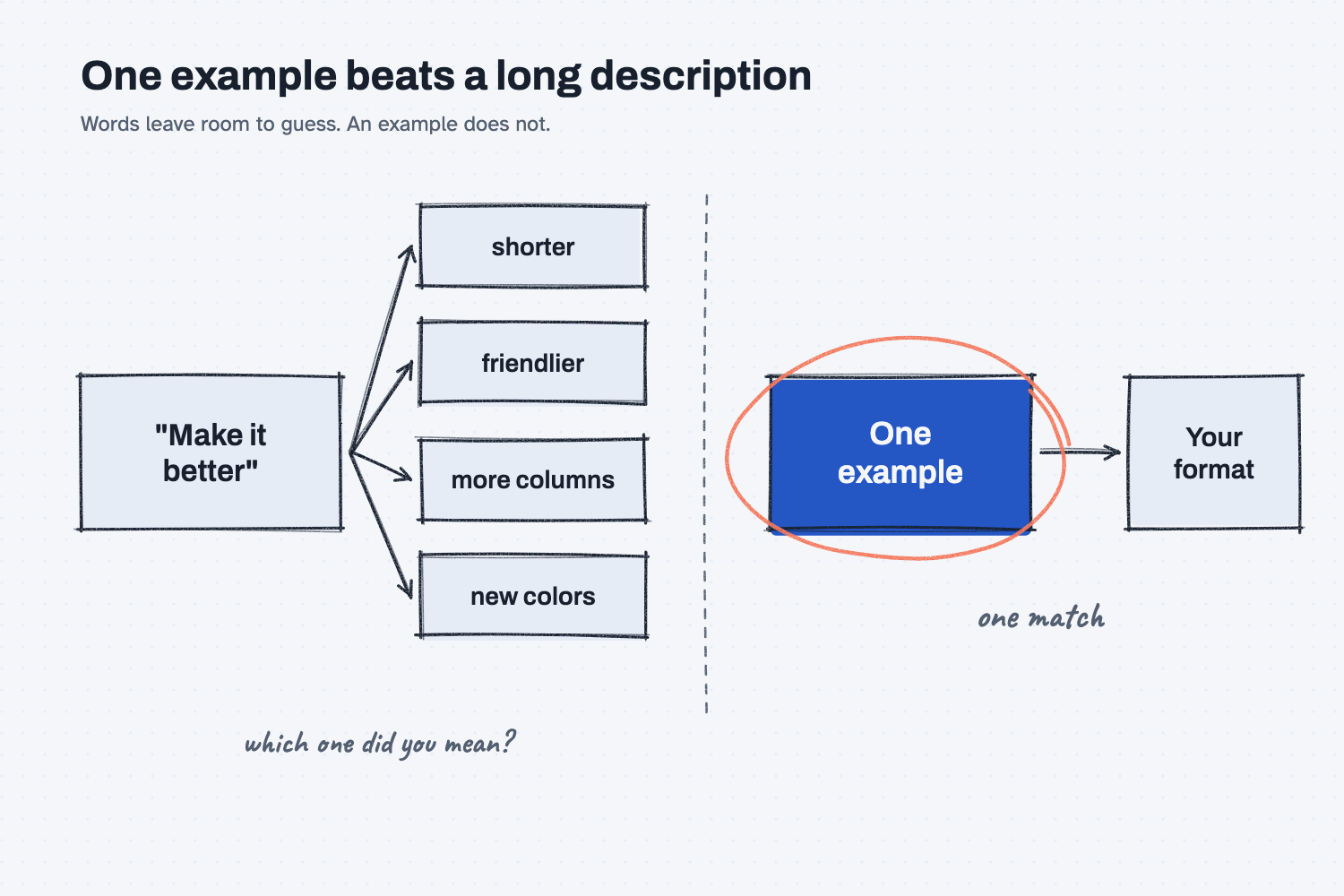
Look at the left side first. "Make it better" is a short request, but it has to be turned into something specific, and AI has no way to know which specific thing you meant. It might make the text shorter, friendlier, wider, or a different color, and each of those is a fair reading of your words. On the right, you hand over one finished example, which is circled, and now there is only one thing it can match. That is why a small example does more work than a long paragraph.
Think of it like this
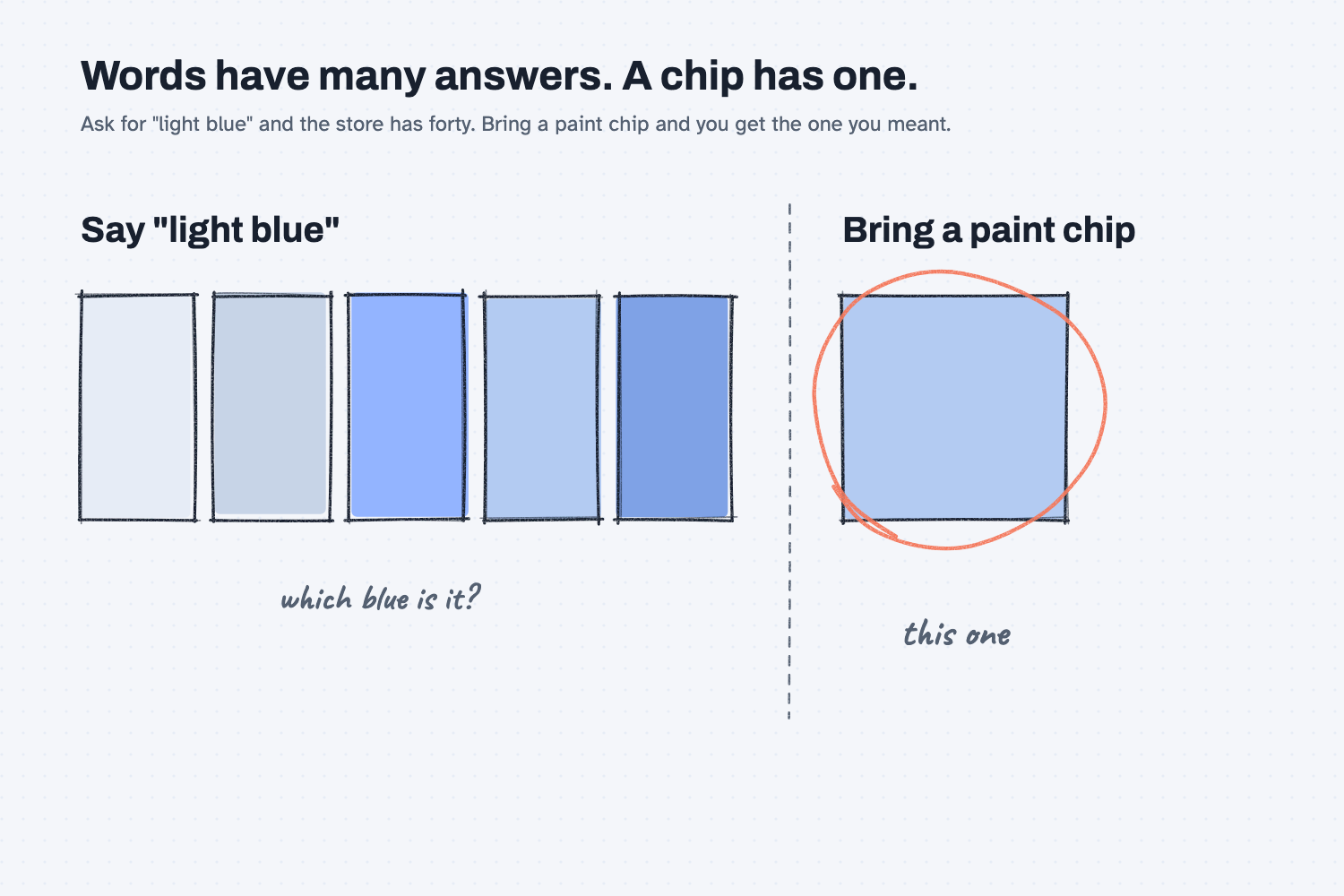
You probably know what happens when you tell the person at the hardware store that you want "a light blue" for the kitchen wall. They walk you to a rack with forty light blues, and you pick one, and then you wonder in your driveway whether it is the one you meant.
Now picture bringing in a paint chip from the wall you liked at your neighbor's house. The person scans the chip, mixes that color, and hands you a can. You did not have to find the right words for the color, because the chip said it for you.
AI is that person behind the counter. If you give it words, it has to pick one of the forty blues. If you give it a chip, it matches the chip. A typed example row is your paint chip, and so is a screenshot with a circle drawn on it.
Why does it matter at work?
It matters because most of the changes you want to a report are about how something looks, and how something looks is hard to say and easy to show. Showing an example gets you to the right page in fewer tries, which saves you the back and forth.
The quote report guide has two good cases. For the first change, a buyer at Mesquite Ridge Metal Works wanted two new columns on a price history page, and the example was one typed row: | MRMW-RFQ-1142 | ... | 98.50 | 14 | 285.00 |. That row showed where the lead time and freight belonged and what the numbers should look like, so Claude added both columns the way the buyer wanted.
For the fourth change, the buyer wanted each part on its own tab. Instead of describing the page, the guide attached a screenshot of it with the two part headings circled and the words "make each part its own tab" written next to them. As the guide puts it, "A picture like this is the fastest way to point at something on a page."
How does it work?
You show one finished piece, and then you tell Claude to do the rest the same way. There are three habits that make this work well.
Type one finished row. If you want a table, type one row exactly as you want it to look, with the same order, the same symbols, and the same wording. Claude copies the shape of the row, so every detail you type becomes a detail it matches.
Circle it in a screenshot. If you want to change a page, take a screenshot, draw a circle on the part you mean, and write a few words next to it. This works because the circle answers "which part?" before you have to put it into words.
Say what to copy and what to change. An example does not tell Claude which parts are fixed and which are only this one case. A short line like "keep the order and the dollar signs, and only the numbers will change" makes it clear. If you are not sure whether the example needs a note, add the line anyway, because it costs you ten seconds.
Where do people get it wrong?
Most mistakes come from an example that says more than you meant, or from no example at all. These are the four to watch for.
- Describing at length instead of showing. A long description leaves gaps, and Claude fills each gap with its own guess. One row usually closes more gaps than a paragraph.
- An example with a flaw in it. Claude will copy everything, including a typo or an odd space. Check your example before you send it.
- Forgetting to say "do the rest the same way." Without that line, the example is just a piece of text in the chat, and Claude may treat it as something to comment on.
- Skipping the check. An example makes the shape right, but it does not make the numbers right. Compare a few rows to a source you trust, as in how to test an AI tool.
Try this in 2 minutes
This test runs the same request twice in two new chats, once with no example and once with one typed row. You can use any chat tool.
- Open a new chat and paste this request with no example:
Make these three quote lines easier to read.

Red Creek Steel Supply quoted 98.50 per hundredweight, ready in 14 days.
Panhandle Bar and Plate quoted 9.40 a foot, ready in 3 weeks.
Cedar Flats Metals Service quoted $118.75 each, ready in 3 days.
- Open a second new chat and paste the same request, this time with one finished row:
Make these three quote lines easier to read. Here is one finished row, so you can see exactly what I want:

| Red Creek Steel Supply | $98.50 | per CWT | 14 days |

Do the other two the same way.

Panhandle Bar and Plate quoted 9.40 a foot, ready in 3 weeks.
Cedar Flats Metals Service quoted $118.75 each, ready in 3 days.
- Put the two replies side by side. Look at the columns, the symbols, and anything extra.
When I tried this, the first chat made its own choices. It added a header row, turned Panhandle's lead time into "3 weeks (21 days)," and added notes I had not asked for, including "The prices use different units (per hundredweight, per foot, each), so they can't be compared directly."
The second chat matched my row. It gave back "| Panhandle Bar and Plate | $9.40 | per foot | 3 weeks |" and "| Cedar Flats Metals Service | $118.75 | each | 3 days |". It copied the dollar signs, the order of the cells, and the plain "3 weeks," and it added nothing else.
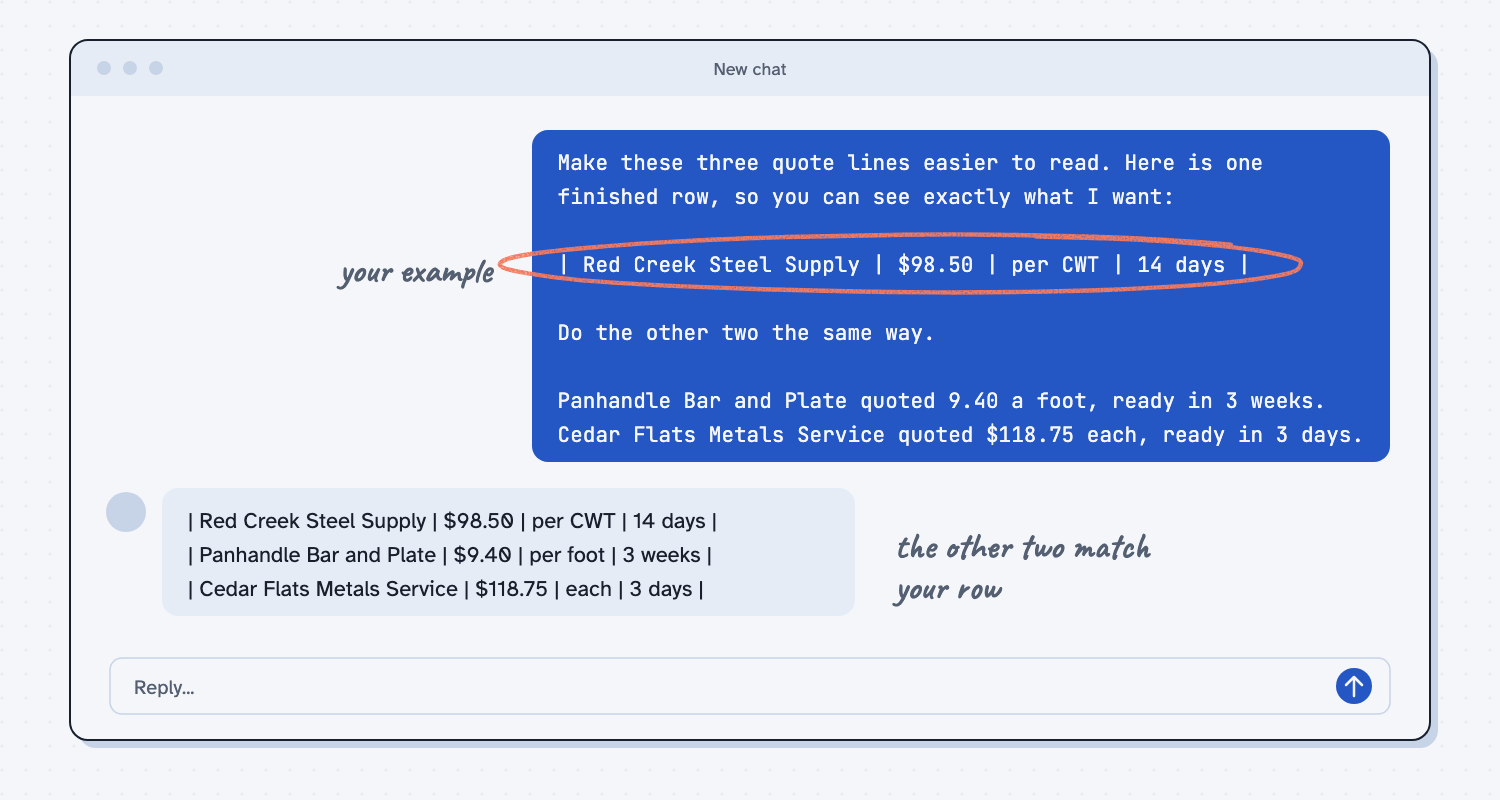
Notice what the example did and did not do. The first chat's note about units was actually useful, and the second chat skipped it because I had only asked for the format. So an example makes Claude follow your shape closely, and if you also want it to flag problems, you can add the line "tell me if anything looks off."
Frequently asked questions
How many examples do I need?
Usually one. If the pattern is not obvious from a single row, for example when some rows differ from others, show two or three that cover the different cases. More than that rarely helps and can bury the pattern.
What if I have no example to show?
Make one by hand. Type a single row of the finished table, or sketch the page on paper and take a photo. A rough example you made in two minutes still beats a long description.
Can I show an example of a page, not just a table?
Yes. Take a screenshot, circle the part you mean, and write a few words next to it. A circled screenshot is the fastest way to point at something on a page, so it works well for changes to a report.
Does the example have to be perfect?
It has to be right in the ways you care about, because Claude copies what it sees. Check the order, symbols, and spelling before you send it. A flaw in the example shows up in every row it makes.
Use it today
- Have Claude build your quote report, then change it by saying what you want: Step 4 uses a typed row and a circled screenshot to change a report.
- Related idea: Describe the output, not the code, the other half of asking for changes.
- Related idea: Teach AI your judgment.
- Related idea: Change one thing at a time, one example per change.
From my training: when I want a change on a page, I type one example row or circle the spot on a screenshot, because a picture like this is the fastest way to point at something on a page.